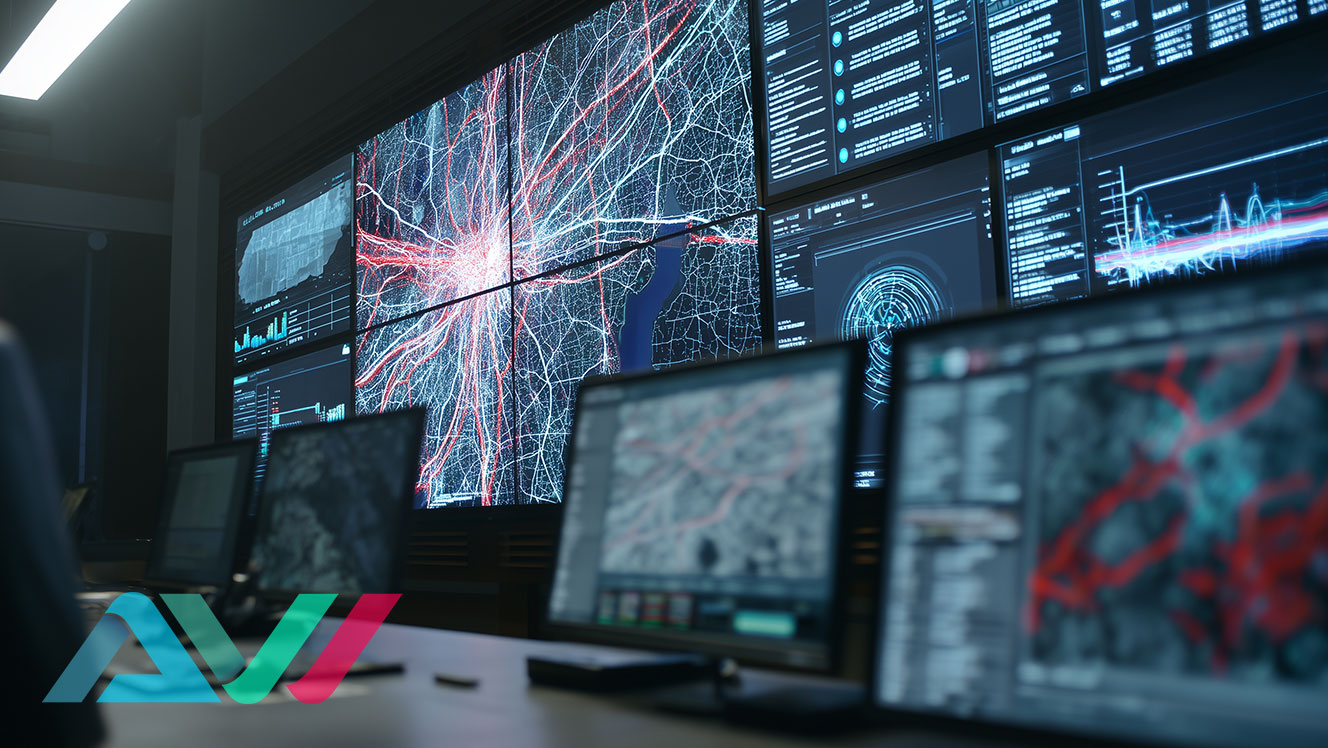
Designing and deploying a control room video wall involves far more than simply mounting large displays on a wall. In mission-critical environments, the wrong configuration can negatively impact operator efficiency, visibility, communication, and long-term reliability.
Whether managing a utility control center, transportation hub, network operations center (NOC), security operations center (SOC), or emergency response facility, organizations should carefully evaluate how their video wall system supports real-world operational workflows.
Avoiding common design and planning mistakes early in the process can help improve long-term performance, reduce unnecessary costs, and ensure operators can monitor and respond effectively in high-pressure environments.
TL;DR – Common Video Wall Mistakes
- Choosing the wrong display technology can reduce visibility and increase long-term costs
- Poor viewing distance planning often leads to operator fatigue and reduced situational awareness
- Some environments overcomplicate layouts when monitor walls may be more effective
- Ignoring 24/7 operational requirements can shorten system lifespan
- Successful deployments prioritize workflow efficiency, reliability, and operator usability
Choosing the Wrong Display Technology
One of the most common mistakes organizations make is selecting display technology based solely on price or appearance rather than operational requirements.
Different environments require different display characteristics. Factors like brightness, bezel visibility, room size, viewing distance, and continuous-use demands all influence whether LCD, LED, or segmented monitor wall systems are the best fit.
For example, large-scale command centers often benefit from seamless LED deployments designed for long-distance visibility, while many operator-focused monitoring environments perform exceptionally well with LCD-based video wall systems for control rooms that prioritize close-range detail and cost efficiency.
Organizations evaluating display options should also understand the long-term operational differences between LCD and LED systems before deployment.
For a deeper comparison, see our guide on LED vs LCD video walls for control rooms.
Poor Viewing Distance and Sightline Planning
A video wall may look impressive during installation, but still perform poorly if operators cannot comfortably interpret information throughout a shift.
Viewing distance, room geometry, operator seating positions, and sightlines all directly impact usability. Displays that are too small may force operators to strain when reviewing detailed information, while oversized displays can overwhelm smaller environments.
This becomes especially important in 24/7 monitoring facilities where operator fatigue can reduce efficiency and increase the likelihood of missed alerts.
Well-planned control room video wall layouts should account for:
- operator eye level
- display height
- room depth
- seating configuration
- workflow positioning
- primary data zones
When layouts are designed around actual operational behavior rather than aesthetics alone, teams can respond faster and work more efficiently.
Ignoring 24/7 Reliability Requirements
Many commercial displays are not engineered for continuous-use environments.
One of the biggest mistakes organizations make is deploying systems without considering long-term uptime requirements, cooling demands, maintenance accessibility, and operational redundancy.
In mission-critical environments, display failure can interrupt visibility during active incidents or operational disruptions.
Properly engineered 24/7 control room video wall systems should evaluate:
- heat management
- redundant power considerations
- long-term panel reliability
- service accessibility
- controller redundancy
- continuous-duty operation
Organizations that prioritize reliability planning early often reduce downtime and avoid expensive retrofits later.
Overcomplicating the Display Environment
Not every operations center requires a massive centralized video wall.
In some environments, organizations deploy overly complex display systems when simpler configurations would improve usability and reduce operational friction.
Large unified video walls are extremely effective for centralized monitoring and collaborative visualization. However, some teams rely more heavily on segmented operator workflows, in which independent displays may offer greater flexibility.
Understanding the difference between video walls and monitor walls is critical before selecting a deployment strategy.
For example:
- Centralized command environments may benefit from large-format unified displays
- Operator-focused monitoring centers may function better with segmented multi-screen workstations
- Hybrid environments may require both approaches simultaneously
The goal should always be operational clarity—not simply display size.
Poor Cable Management and Infrastructure Planning
Infrastructure planning is often overlooked during early deployment discussions.
However, poor cable management, insufficient power planning, and limited service accessibility can create major long-term maintenance challenges.
As systems scale, AV walls often require:
- multiple video inputs
- processors
- controllers
- network connectivity
- redundant systems
- cooling infrastructure
Without proper planning, even high-end systems can become difficult to maintain or expand.
Organizations should consider infrastructure requirements before installation begins, especially in facilities expected to evolve over time.
Scalable AV environments are typically easier to upgrade, troubleshoot, and maintain over the long term.
Designing Without Operator Workflow in Mind
A control room should be designed around operator functionality—not just visual impact. One of the most common mistakes organizations make is prioritizing aesthetics over usability, resulting in display environments that look impressive but fail to support real-world operational demands.
Operators often work long shifts while continuously monitoring dashboards, alerts, camera feeds, analytics, network traffic, and other mission-critical systems. If important information is difficult to locate, poorly organized, or not visible from key operator positions, overall response times and operational efficiency may suffer.
Successful deployments are typically built around how teams actually interact with information throughout the day. This includes understanding how data should be prioritized, which content requires continuous visibility, how operators collaborate during active incidents, and how workflows shift during emergencies or high-pressure events.
In many cases, a well-organized display environment improves operational awareness more effectively than simply adding additional screens or increasing display size. Control room systems should support fast interpretation, efficient communication, and long-term operator usability rather than focusing solely on visual scale or complexity.
Choosing the Wrong Monitor Wall Configuration
In some environments, control room monitor walls offer a more practical and efficient solution than large centralized displays.
However, organizations sometimes deploy monitor wall configurations that fail to align with actual operational needs.
For example:
- Too many segmented displays can create unnecessary complexity
- Poorly organized layouts can reduce visibility
- Inconsistent screen sizing can interrupt workflows
- Disconnected display zones can slow collaboration
Well-designed monitor wall systems should balance:
- visibility
- scalability
- operator usability
- flexibility
- long-term expansion
Organizations comparing video walls and monitor walls should evaluate how operators interact with information throughout a typical shift rather than focusing solely on display size or aesthetics.
Final Thoughts
A successful control room video wall deployment requires careful planning, operational awareness, and long-term infrastructure strategy.
The most effective environments are not necessarily the largest or most visually complex—they are the systems that best support operator workflows, visibility, reliability, and real-time decision-making.
By avoiding common deployment mistakes early, organizations can improve operational efficiency, reduce downtime, and create display environments that remain effective for years to come.
Frequently Asked Questions
What is the biggest mistake when designing a control room video wall?
One of the most common mistakes is designing the system around aesthetics rather than operator workflows, visibility requirements, and long-term operational needs.
Are LED video walls always better than LCD video walls?
Not necessarily. LED walls are often ideal for large, seamless deployments, while LCD systems may offer better value and closer-range detail in many control room environments.
Why is viewing distance important for control rooms?
Viewing distance directly affects readability, operator fatigue, and the speed at which teams can interpret critical information during active operations.
When should organizations use monitor walls instead of video walls?
Monitor walls are often better for segmented workflows, operator-focused monitoring, and environments requiring multiple independent display zones.
Planning a Control Room Video Wall?
Speak with our team about designing and integrating a video wall solution tailored to your operational requirements.